Whiteboard videos, drawn from a prompt.
Chalkreel for ChatGPT turns an idea into a hand-drawn explainer video — scenes sketched by a marker hand, a presenter who talks you through it, an AI voice-over, your own pictures — and plays it right in the chat.

What it does
Storyboard from a prompt
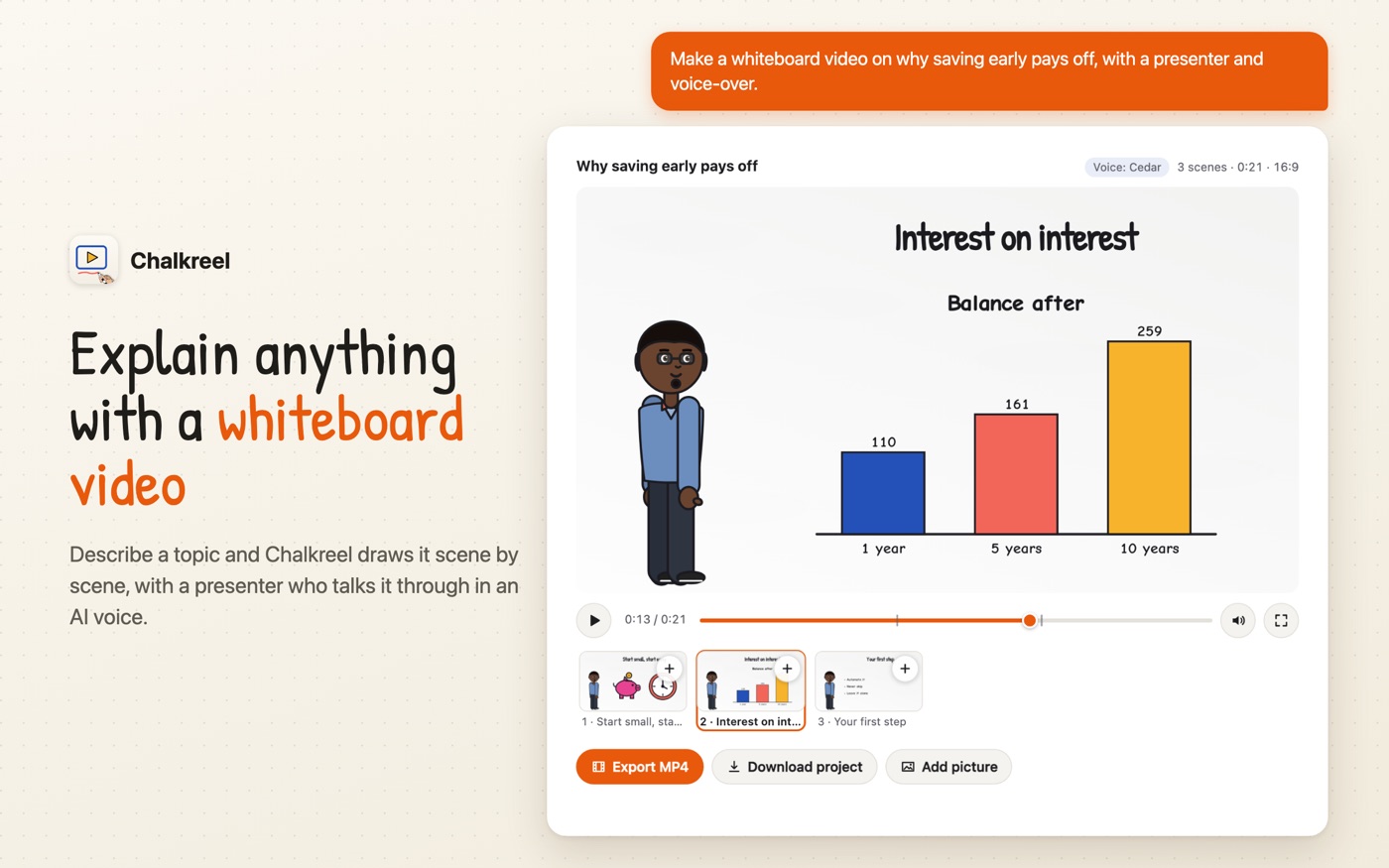
Ask for a video on any topic. ChatGPT writes the scenes — titles, short board text, bullets, charts, doodle props and characters — and Chalkreel draws them on a whiteboard, chalkboard, blueprint or notebook.
Presenter & AI voice-over
Add a host character who appears in every scene and speaks the narration with lips in sync. AI voices read the narration and the characters' lines.
Your pictures
Put photos, diagrams or images ChatGPT made into scenes. Tap + on a scene in the player to add pictures from your device or your ChatGPT files.
Free MP4 export
Export the video as an MP4 (720p, with a small “Made with Chalkreel” mark), made in your browser. Nothing to buy and no account needed.
Keep editing in the apps
Download the Chalkreel project and open it in Chalkreel for iOS or Windows to fine-tune every frame.
47 ready-made templates
Start from templates for lessons, business pitches, social clips, science and more — in 16:9, 9:16 or square.
How to use it in ChatGPT
- In ChatGPT, open Apps, find Chalkreel and connect it (no sign-in needed).
- Ask for a video and mention Chalkreel, for example:
Make a 4-scene whiteboard video explaining how vaccines train the immune system, with a presenter and voice-over.Create a 30-second vertical video for TikTok with 3 tips to sleep better.Turn the 4 pictures I made into a short story video, one picture per scene.
- The player appears in the chat: press play, jump between scenes, add pictures with +.
- Want changes? Just ask — “make scene 2 longer”, “use a chalkboard”, “add calm music” — and Chalkreel redraws it.
- Press Export MP4 to save the video, or Download project to keep editing in the Chalkreel apps.
Using another MCP-compatible assistant? Chalkreel's MCP endpoint is https://chatgpt.chalkreel.app/mcp.
Your privacy
Chalkreel has no accounts, no ads and no tracking. The server builds your video from what ChatGPT sends it and keeps nothing; rendering and MP4 export happen in your browser. Voice-over text is sent to OpenAI's text-to-speech service to make the audio. Read the full privacy policy.